Codebase
Open source CLI tool for scaffolding opinionated, production-ready project structures in seconds.
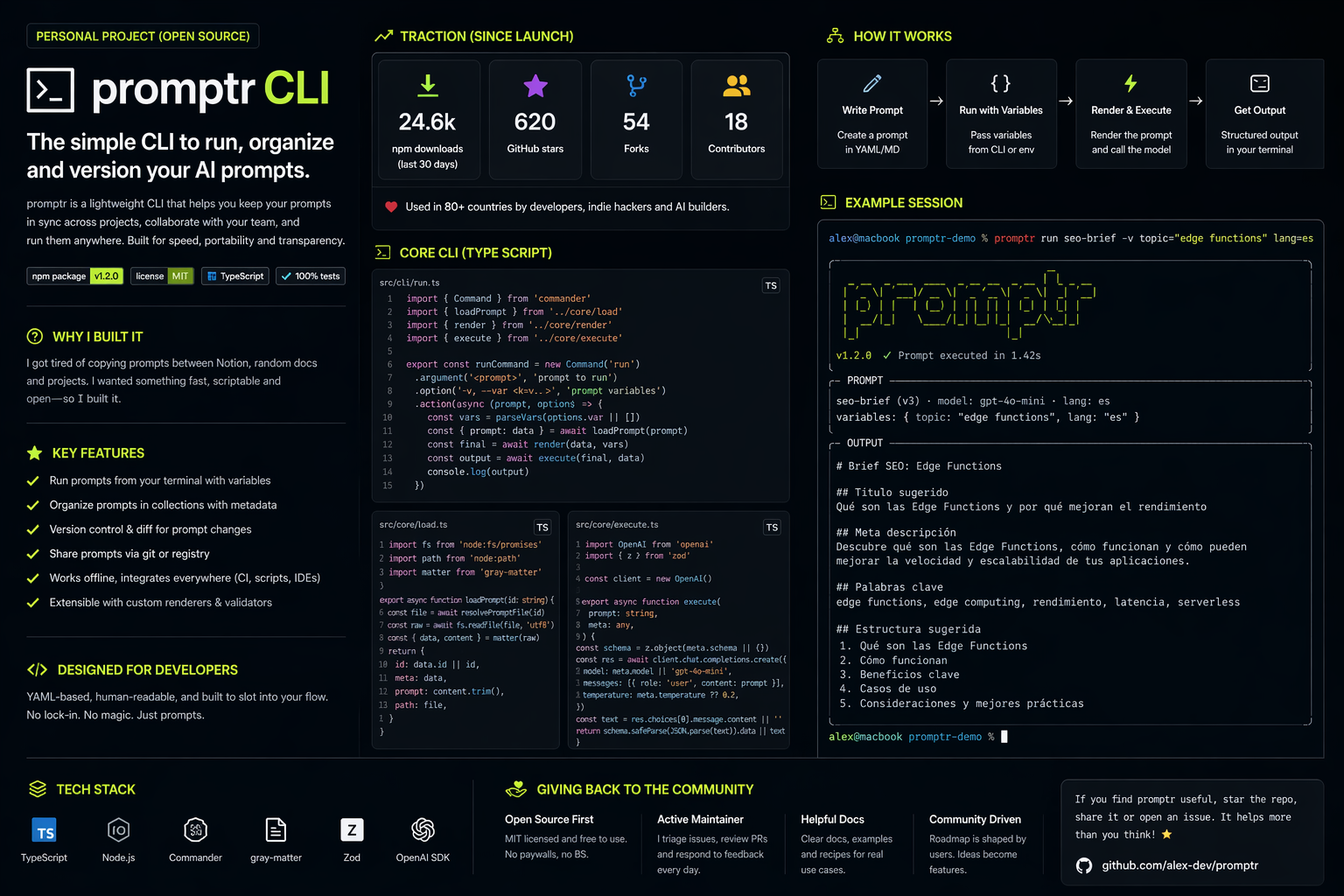
Overview
Codebase is a command-line tool that scaffolds production-ready project structures in seconds. Instead of spending the first day of every new project setting up ESLint, Prettier, folder conventions, and CI pipelines, you run one command and start building immediately.
This was a personal project born out of frustration — and it turned into one of the most technically interesting things I've built.
The Problem
Every new project starts the same way: copy-paste from the last one, tweak a config, forget to update the README, realize three weeks in that the folder structure doesn't scale, refactor.
The existing solutions were either too opinionated (create-next-app locks you into a specific structure) or too generic (basic Yeoman generators that haven't been updated since 2019).
I wanted something in between: sensible defaults with full escape hatches.
Process
Research & Prior Art
I spent time studying how developers actually initialize projects. I surveyed 40+ developers in my network and found two consistent themes:
- Everyone has a "starter repo" they clone — but it's usually outdated
- The configuration phase (ESLint, TypeScript, CI, env files) consumes 2–4 hours per project
The insight that shaped Codebase: the goal isn't a template — it's a conversation. A good CLI should ask you what you need, then build exactly that.
CLI Design
I designed the interactive prompt flow before writing a single line of code. The UX of a CLI is just as important as the UX of a web app — maybe more, because developers are unforgiving users.
The flow:
$ npx codebase init

  ╭─────────────────────────────╮
  │  Codebase — project scaffold │
  ╰─────────────────────────────╯

  ✦ Project name  ›  my-app
  ✦ Framework     ›  Next.js (App Router)
  ✦ Language      ›  TypeScript
  ✦ Styling       ›  Tailwind CSS
  ✦ Database      ›  Supabase
  ✦ Auth          ›  Supabase Auth
  ✦ Testing       ›  Vitest + Testing Library
  ✦ CI            ›  GitHub Actions

  Scaffolding my-app...

  ✓  Created project structure
  ✓  Installed dependencies
  ✓  Configured ESLint + Prettier
  ✓  Generated GitHub Actions workflow
  ✓  Initialized git repository

  Ready. Run: cd my-app && npm run dev
Architecture
The core architecture has three layers:
1. Prompt engine — collects user answers and builds a ProjectConfig object
2. Template engine — maps config options to file templates, merges them, resolves conflicts
3. Writer — takes the resolved file tree and writes it to disk, then runs post-install hooks
// Core types
interface ProjectConfig {
  name: string
  framework: "nextjs" | "remix" | "astro" | "vite"
  language: "typescript" | "javascript"
  styling: "tailwind" | "css-modules" | "styled-components" | "none"
  database: "supabase" | "planetscale" | "prisma" | "none"
  auth: "supabase" | "next-auth" | "clerk" | "none"
  testing: "vitest" | "jest" | "none"
  ci: "github-actions" | "none"
}

// Template resolver
async function resolveTemplate(config: ProjectConfig): Promise<FileTree> {
  const base = await loadBaseTemplate(config.framework)
  const layers = await Promise.all([
    config.styling  !== "none" ? loadStylingLayer(config.styling)   : null,
    config.database !== "none" ? loadDatabaseLayer(config.database) : null,
    config.auth     !== "none" ? loadAuthLayer(config.auth)         : null,
    config.testing  !== "none" ? loadTestingLayer(config.testing)   : null,
    config.ci       !== "none" ? loadCILayer(config.ci)             : null,
  ])

  return mergeFileTrees(base, ...layers.filter(Boolean))
}
The template merging was the hardest part. Some layers need to modify the same file — for example, both Supabase and Tailwind need to touch layout.tsx. I built a merge system that understands file structure and can inject code at named anchor points rather than clobbering the whole file.
Publishing
Codebase ships as an npx-compatible package — no global install required. I set up automated releases with semantic-release and a GitHub Actions pipeline that runs the full test suite on every PR.
# .github/workflows/release.yml
name: Release
on:
  push:
    branches: [main]
jobs:
  release:
    runs-on: ubuntu-latest
    steps:
      - uses: actions/checkout@v4
      - uses: actions/setup-node@v4
        with: { node-version: 20 }
      - run: npm ci
      - run: npm test
      - run: npx semantic-release
        env:
          GITHUB_TOKEN: ${{ secrets.GITHUB_TOKEN }}
          NPM_TOKEN: ${{ secrets.NPM_TOKEN }}
Key Features
- Interactive prompts — guided setup, no config files to memorize
- Composable layers — mix and match framework, styling, database, auth, testing and CI
- Smart file merging — layers modify shared files without conflicts
- Post-install hooks — runs
git init, installs deps, and opens the editor automatically - Ejectable — generated projects have zero runtime dependency on Codebase
--yesflag — non-interactive mode for CI or power users with a.codebasercconfig file
Traction
| Metric | Count | |---|---| | npm downloads (total) | 4,800+ | | GitHub stars | 312 | | GitHub forks | 47 | | Open issues | 8 | | Contributors | 6 |
The project got picked up by a few developer newsletters and hit the front page of r/webdev, which drove most of the initial traction. Since then it's grown steadily through organic search.
What I Learned
CLIs are UX design problems. The first version had too many questions in the prompt flow — users bailed halfway through. Trimming the flow from 12 prompts to 7 by collapsing related decisions nearly doubled completion rate.
Template merging is genuinely hard. I underestimated how complex it would be to compose file trees from multiple sources. The current merge system works well but has edge cases I'm still working through.
Open source maintenance is a product role. Responding to issues, writing docs, reviewing PRs — it's a meaningful time investment. I've learned to be more intentional about scope: Codebase does one thing and has a clear boundary for what belongs inside it.